Samsung Galaxy S26 gets native USB webcam support via Android 14 QPR1
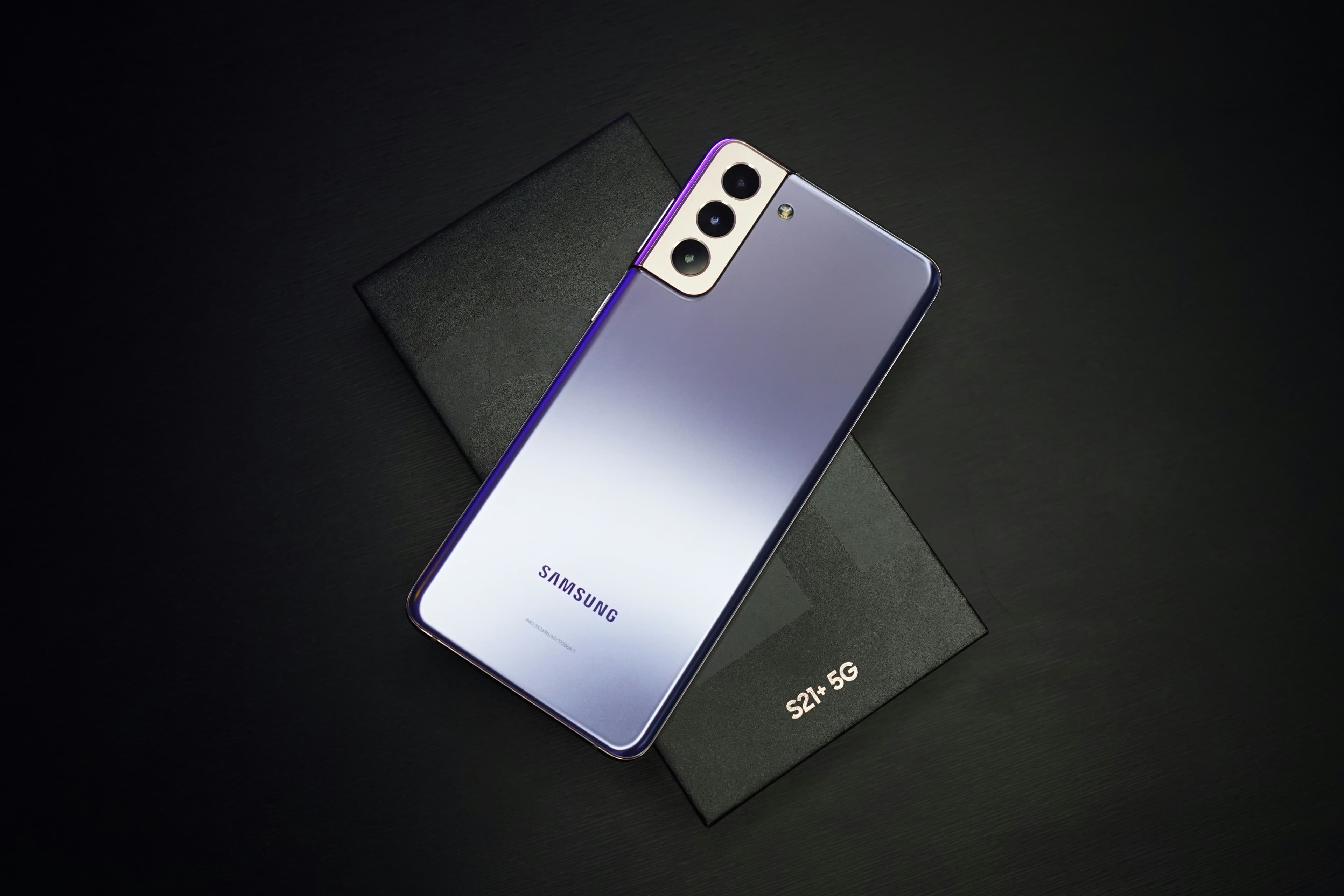
Samsung has quietly rolled out a feature that PC users have been wanting from their phones for a while: the ability to plug in a Galaxy S26 via USB and use it as a webcam, no third-party app required. The update arrived through Android 14 QPR1 and works natively with Windows and macOS, making the setup as straightforward as connecting a cable.
This is not a new concept. Google added the same capability to Pixel phones a couple of years ago, and apps like DroidCam and EpocCam have offered this for years across various Android and iOS devices. What changes with Samsung's implementation is that it works out of the box on one of the best-selling Android flagships in the world, without needing to install anything extra on the phone or the PC.
How the feature actually works
Once the update is installed, connecting the Galaxy S26 to a PC via USB cable triggers a new prompt on the phone asking how you want to use the connection. One of the options is now "Webcam." Select it, and the phone immediately appears as a camera input in apps like Zoom, Google Meet, Microsoft Teams, or OBS. No pairing codes, no Wi-Fi dependency, no additional software.
Samsung also included an optional High Quality Mode. When enabled, it streams at a higher resolution and bitrate, which makes a noticeable difference if you are on a video call where visual clarity matters. The trade-off is that it draws more power from the phone. For shorter calls or casual use, the standard mode is more than adequate.
Why this matters for everyday users
Laptop webcams have not kept pace with smartphone camera hardware. Most built-in webcams on mid-range laptops still top out at 1080p with mediocre low-light performance. The Galaxy S26 main camera shoots in much higher detail and handles dim lighting far better. Using it as a webcam gives you a meaningful quality jump without buying a dedicated USB camera, which can cost anywhere from $80 to over $200 for a good one.
For remote workers, content creators doing live streams, or anyone who spends time on video calls, this is a practical upgrade that costs nothing extra. The phone is already sitting on your desk. Now it can do double duty.
Will older Galaxy devices get the same update?
Samsung has not confirmed whether the Galaxy S25, S24, or any other older model will receive the USB webcam feature. The Android 14 QPR1 update is currently limited to the S26 series. Given that the underlying Android platform already supports the protocol, it is technically possible to push this to older devices. Whether Samsung chooses to do that is a different question.
The S25 still receives software support and is well within Samsung's typical update window. If there is enough user demand, a rollout to that generation seems plausible. But for now, the feature is exclusive to the S26 lineup, which gives buyers of that phone one more concrete reason to consider it over holding onto an older model.
The broader shift toward phones as PC peripherals
Both Google and Samsung are moving in the same direction with their high-end Android phones: tighter integration with desktop computing. Google's Pixel phones can already act as webcams. Samsung has its DeX platform for desktop-style interfaces. Apple introduced iPhone as a webcam for Mac through Continuity Camera in iOS 16. The trend is clear: phone hardware is good enough to replace a category of dedicated accessories, and manufacturers are starting to take that seriously at the OS level.
For Samsung, native USB webcam support on the S26 is a small but concrete step in that direction. It does not require a software subscription, does not depend on a wireless connection staying stable, and does not demand any technical setup. That simplicity is exactly what makes it worth paying attention to.
AI Summary
Generate a summary with AI


